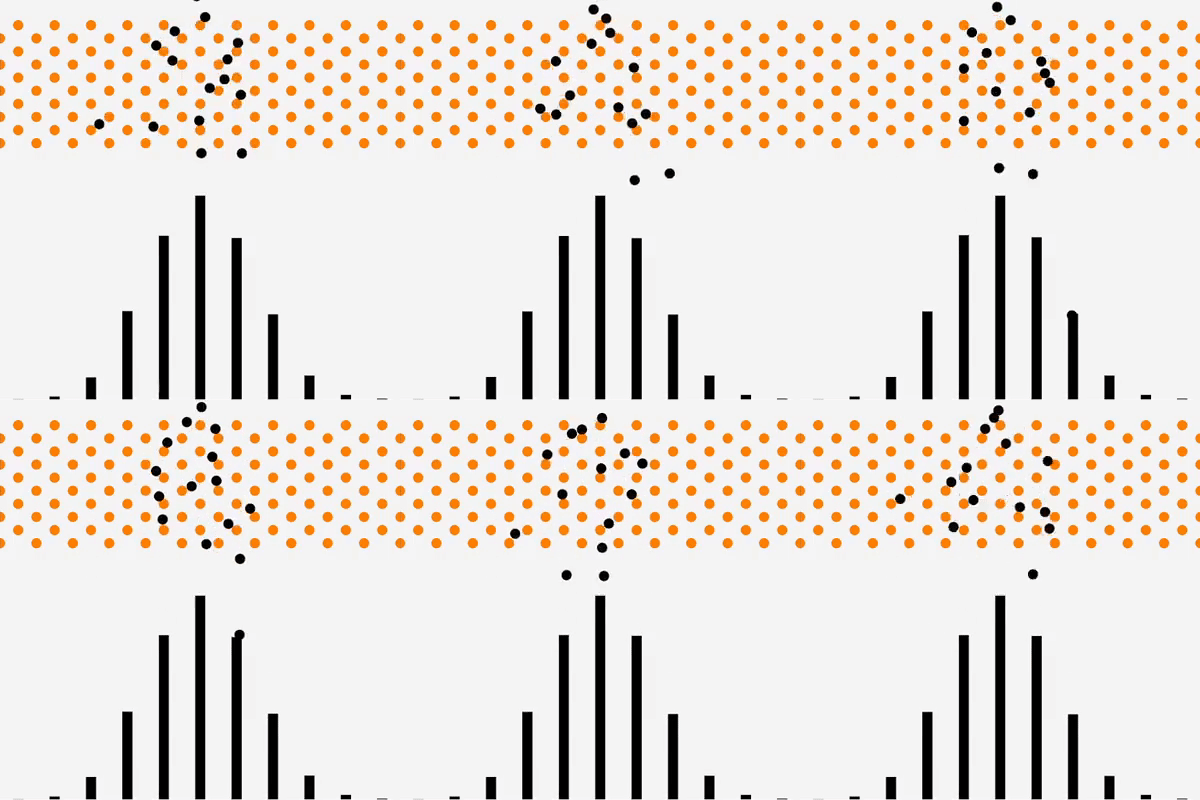
Galton Board (Binomial Distribution)
Galton Board The Galton board is a tool for visualizing the principles by which the binomial distribution is created. Early Galton boards were made with wooden poles and beads that rolled down. … more

Science simulation, Probeware, Coding
Galton Board The Galton board is a tool for visualizing the principles by which the binomial distribution is created. Early Galton boards were made with wooden poles and beads that rolled down. … more
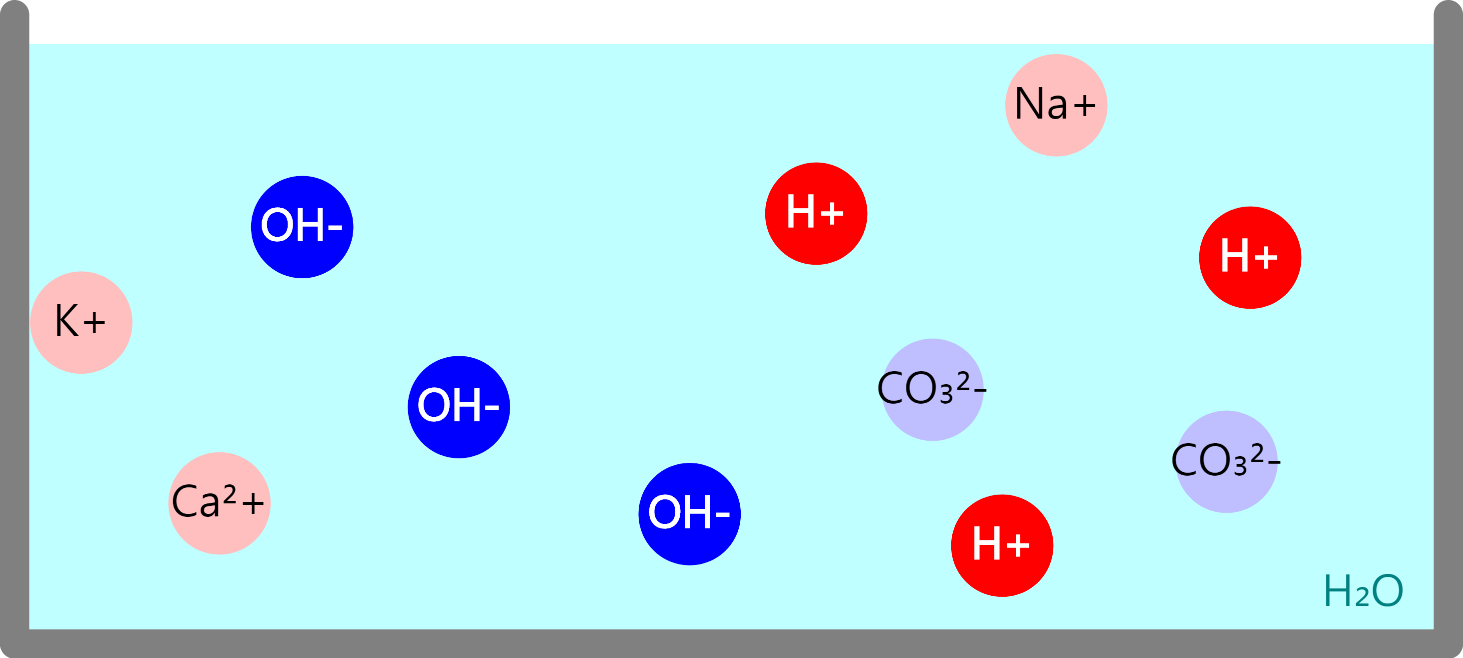
Neutralization reaction The reaction of an acid and a base to form water is called a neutralization reaction. When an acid and a base react, hydrogen ions from the acid (H+) and … more
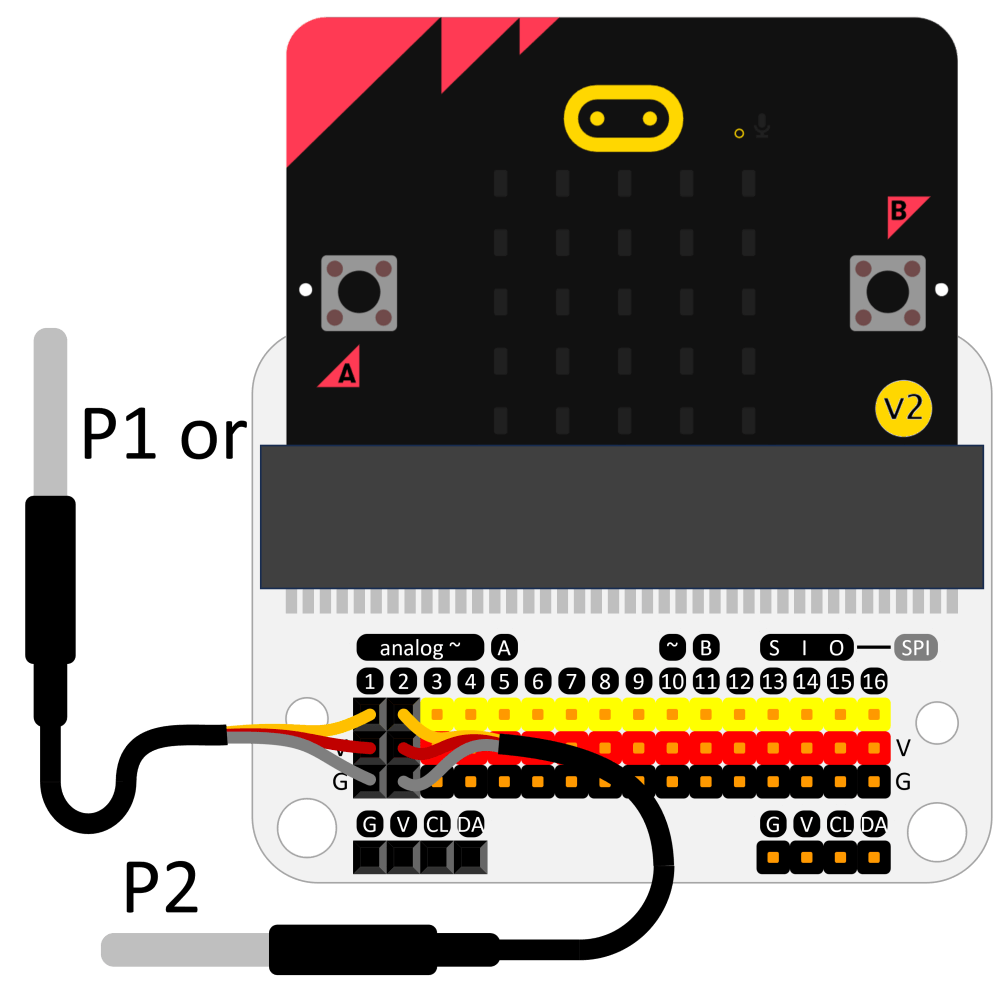
You can use a Micro:bit as MBL by connecting a DS18B20 temperature sensor. If no sensor is connected, the Micro:bit built-in thermometer value is output. Thermal equilibrium experiment between hot and cold … more
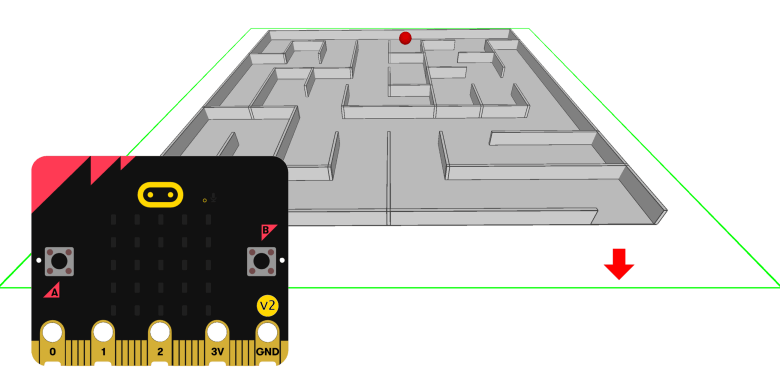
This is a game using the micro:bit’s 3-axis acceleration sensor. Updated 2023.10.27: Score recording function added. Parts list Click here to view the parts list.
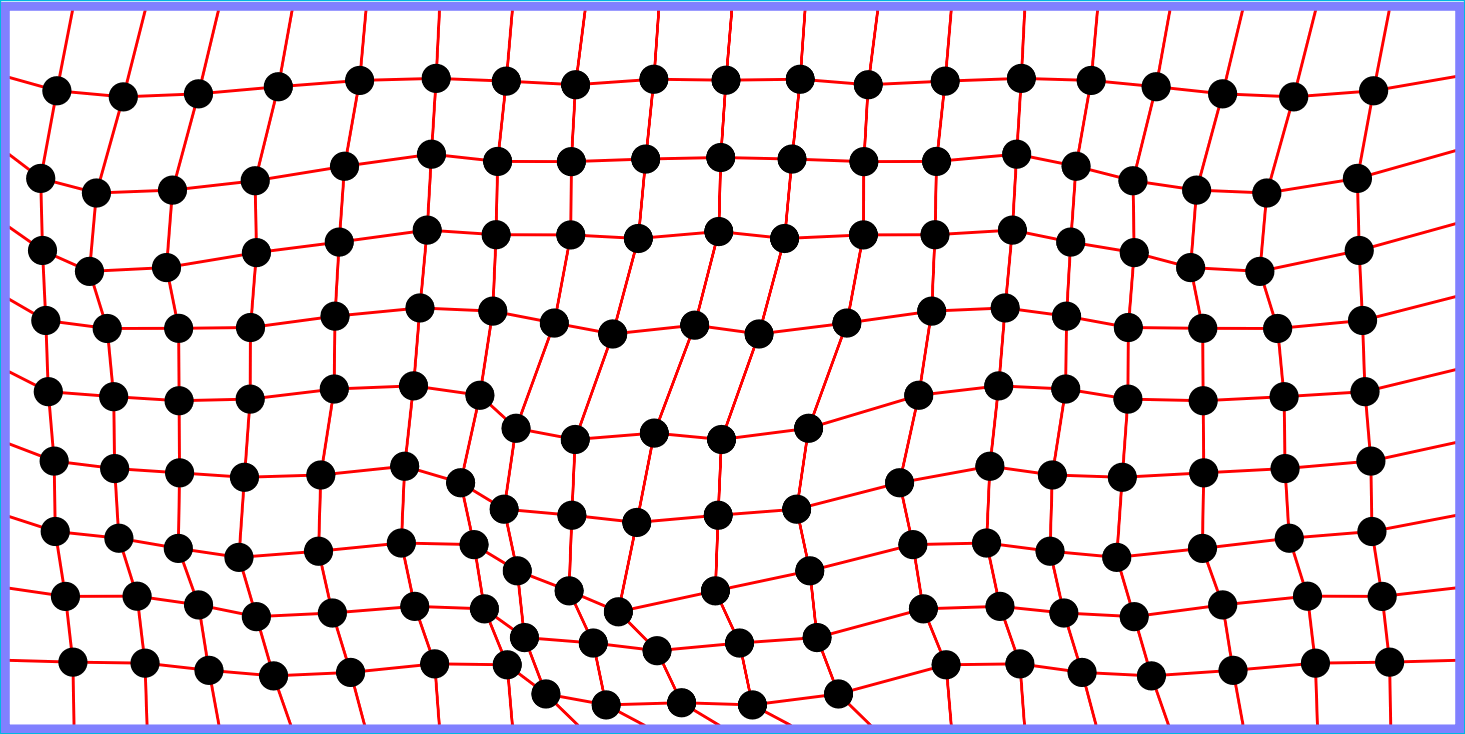
Reset Wave In science, a wave is a phenomenon in which energy is transmitted through a medium. It is the only energy that is transmitted through the wave. The medium only vibrates … more
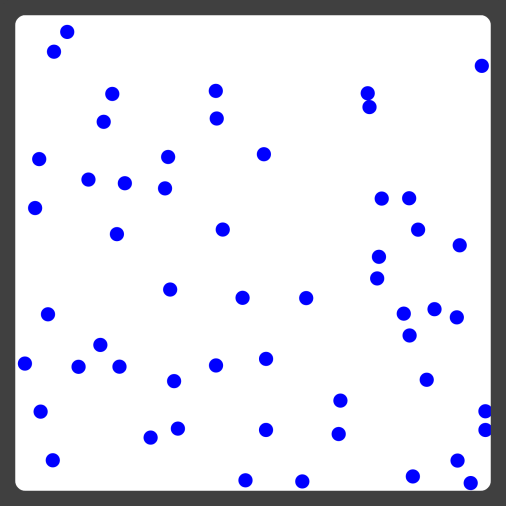
State of matter The material around us exists in three states (solid, liquid, gas) depending on temperature. Solids do not change shape and volume like ice, trees, and so on. The liquid … more
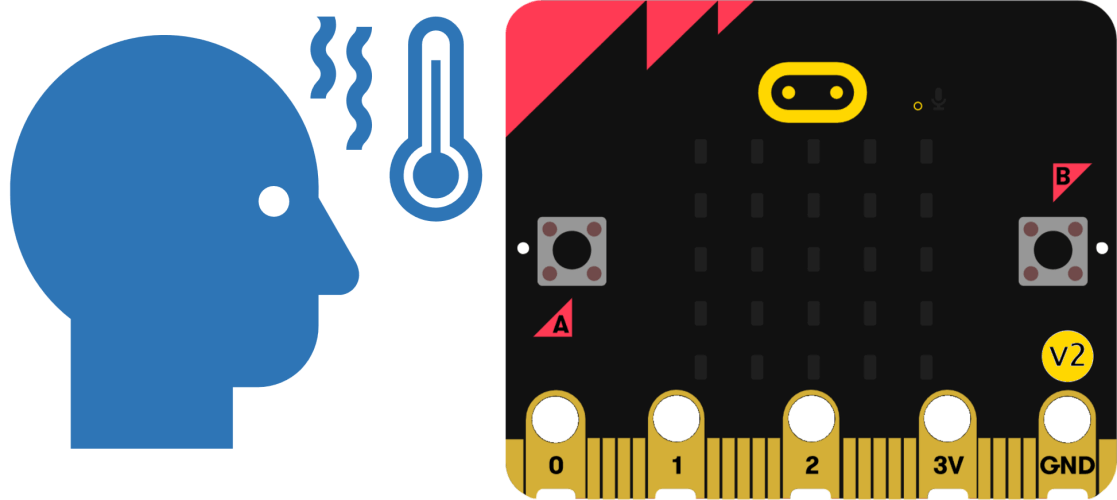
You can record the temperature changes with the Micro:bit’s built-in thermometer. Micro:bit only works with v2.00 or later products. Please use the Chrome browser if possible. It may not work in the … more
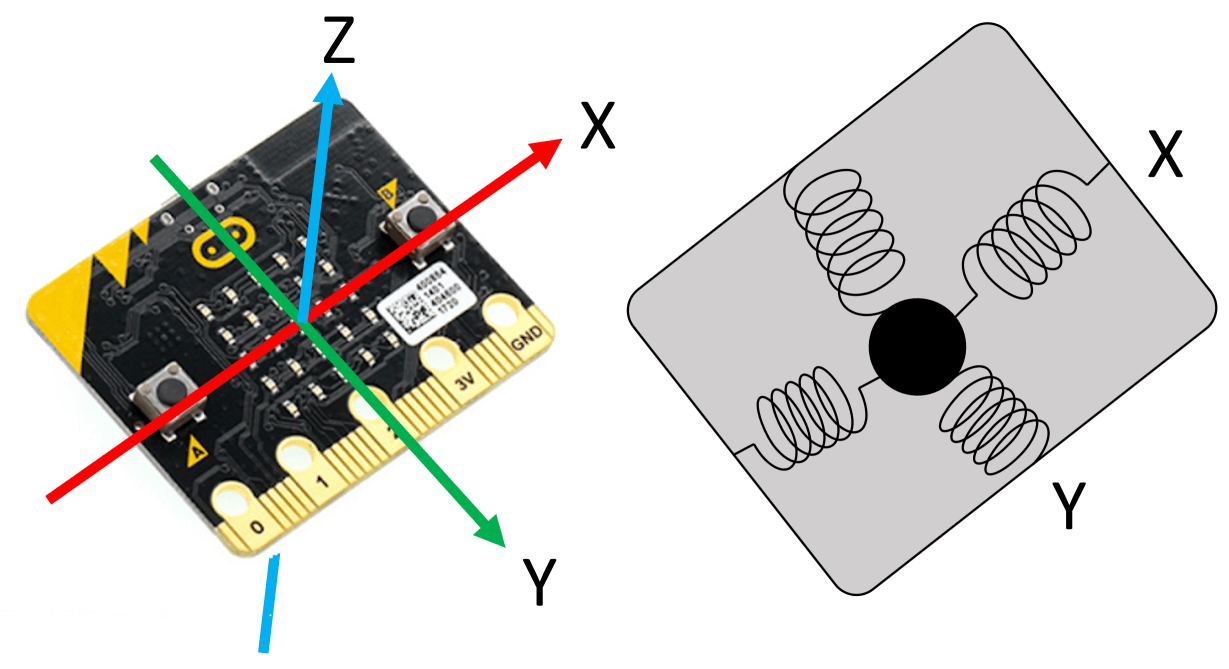
You can use the Micro:bit as an MBL acceleration sensor. This video is played without sound. Micro:bit only works with v2.00 or later products. Please use the Chrome browser if possible. It … more
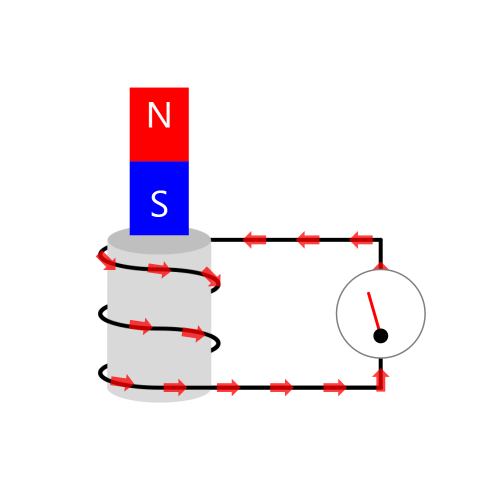
You can set the movement of the magnet as you wish. Observe the electromotive force generated depending on the position and speed of the magnet. Electromagnetic induction Moving the magnet around the … more
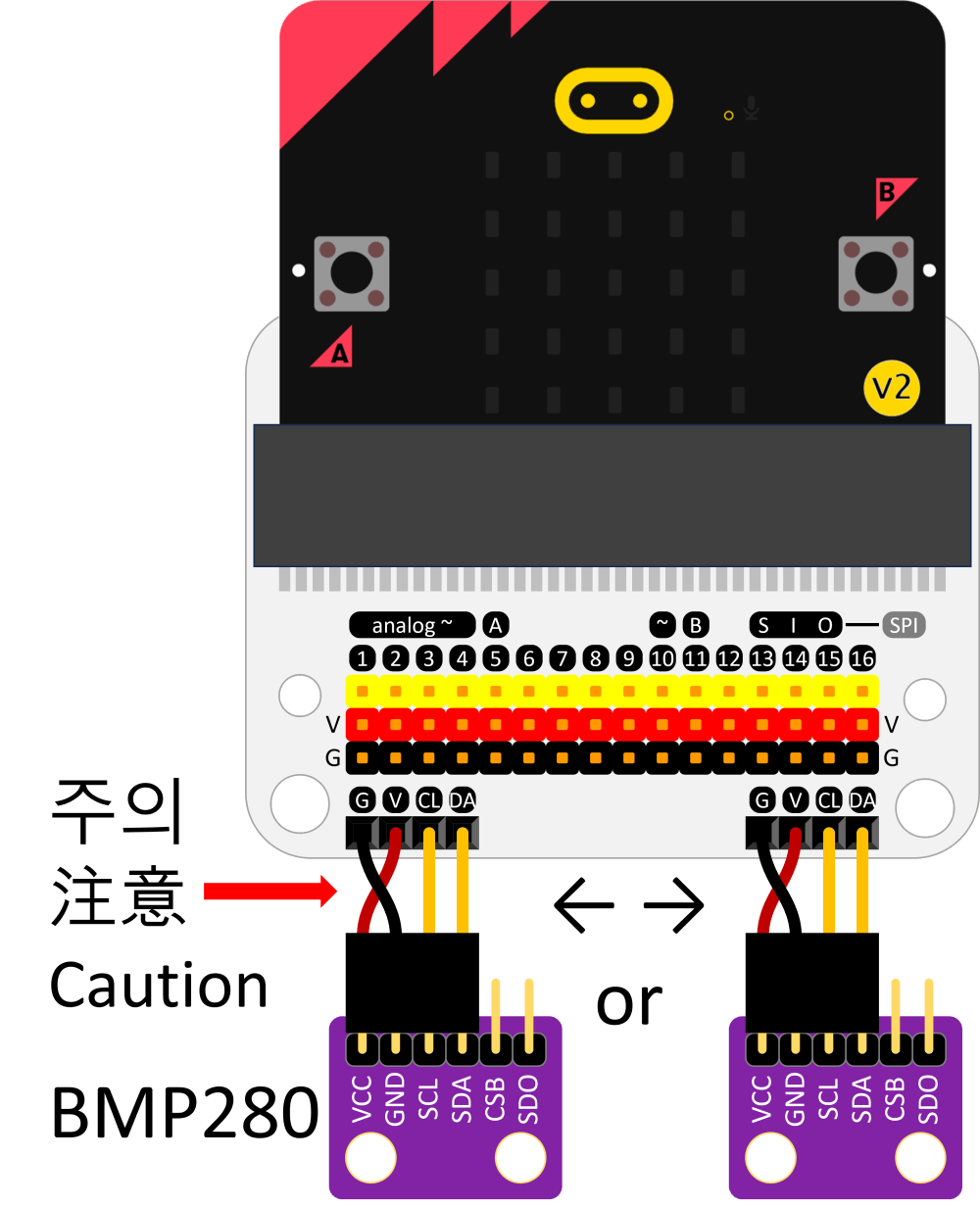
You can connect the sensor to the left or right side of the board. (Where it can be connected varies depending on the connector type.) When connecting a sensor, the (+) and … more
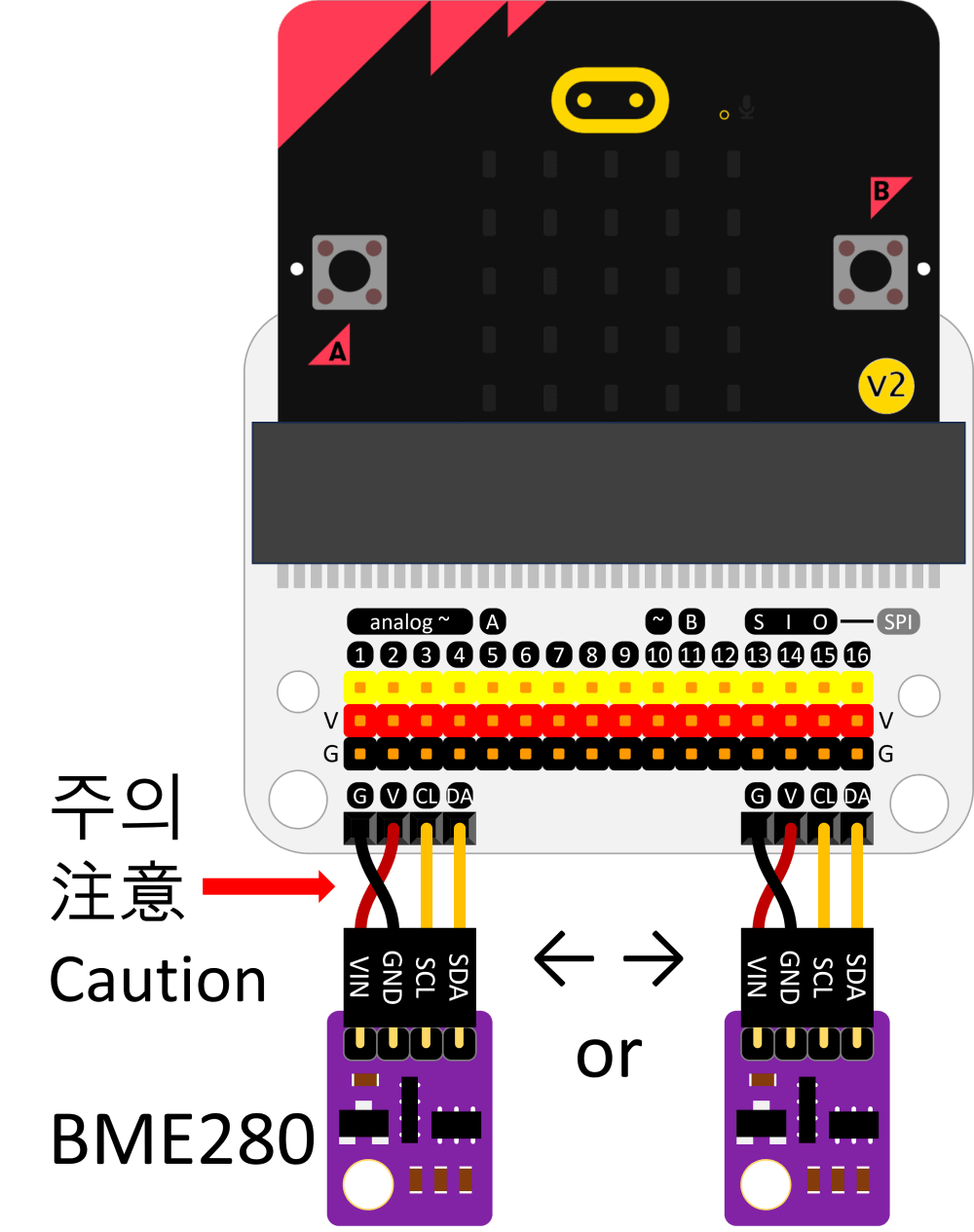
You can connect the sensor to the left or right side of the board. (Where it can be connected varies depending on the connector type.) When connecting a sensor, the (+) and … more
Free interactive science simulation(Virtual lab) written by JavaScript Simulates various natural phenomena Includes about Physics, Chemistry, Earth, Astronomy, Biology, Measurment, Mathmatics… No need to plugin add-ons Available on mobile devices and tablets … more